
Joi
A vivid, playful system for consumer apps that need energy without losing clarity.
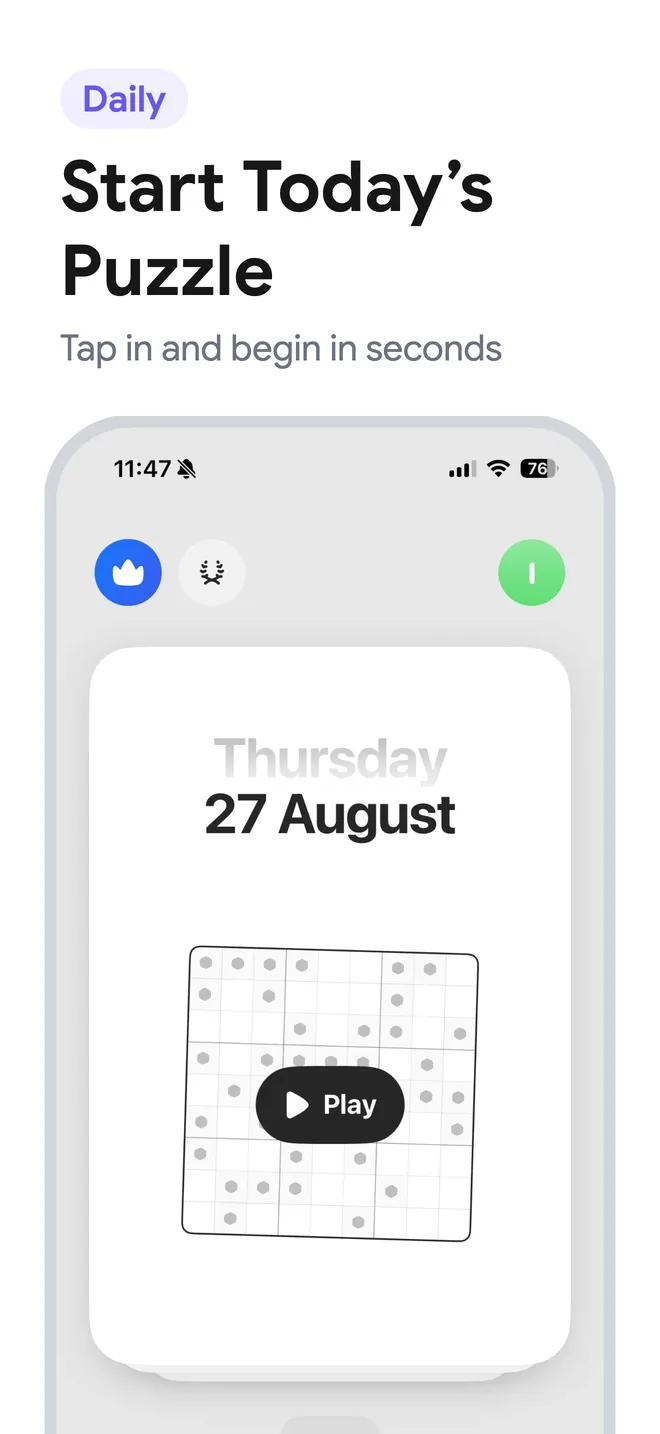
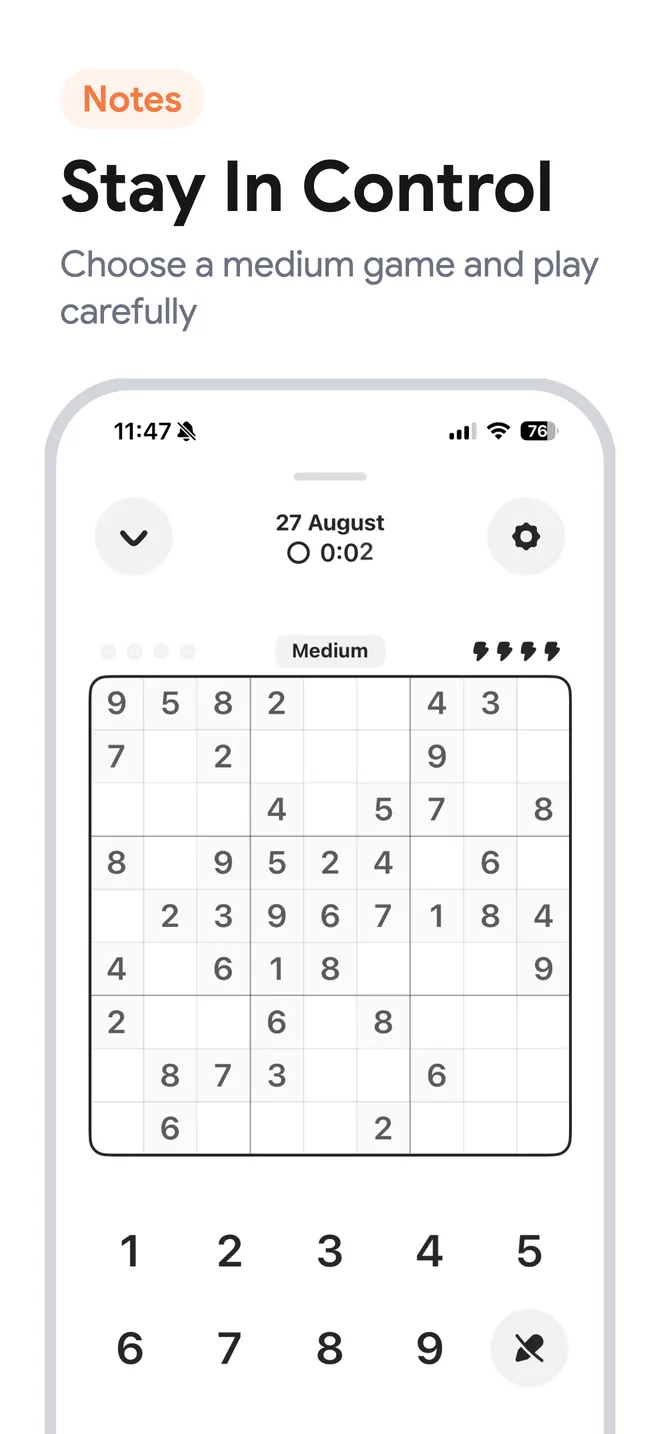
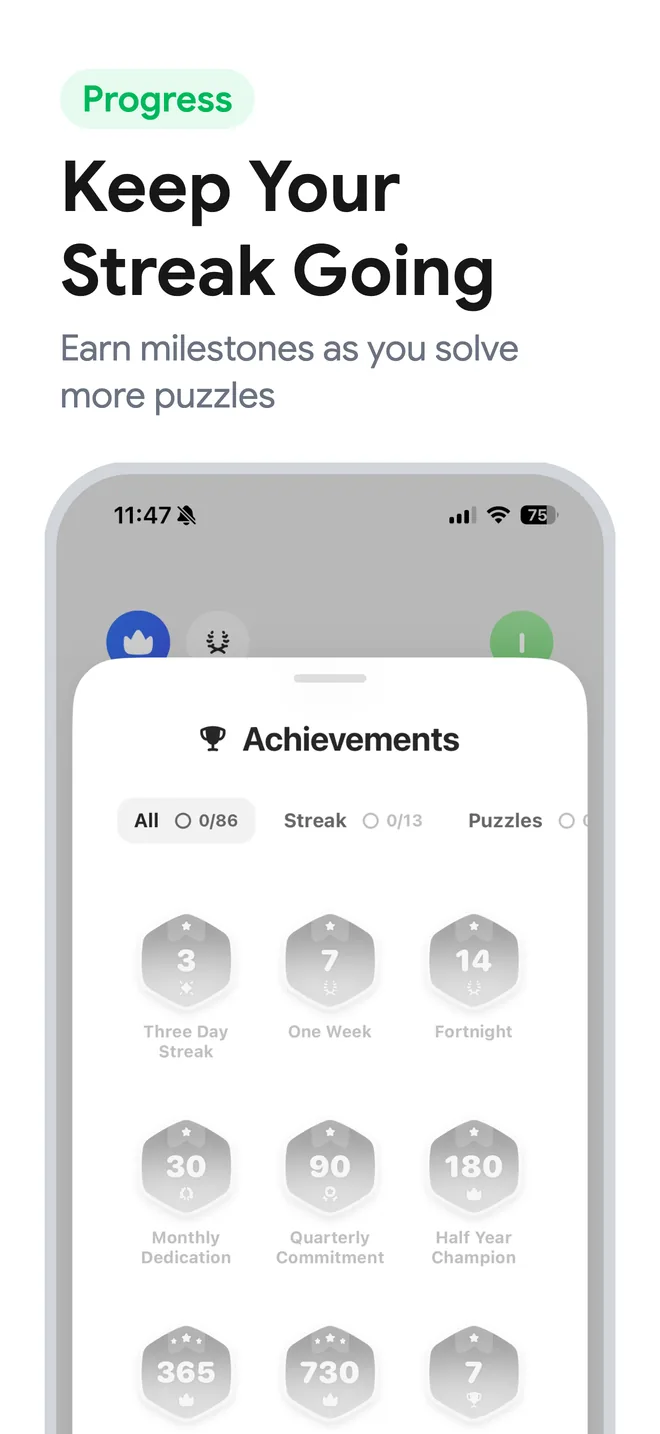
App Store screenshot templates
Build a polished App Store screenshot set with editable templates designed around a clear opening promise, product proof, and closing action.
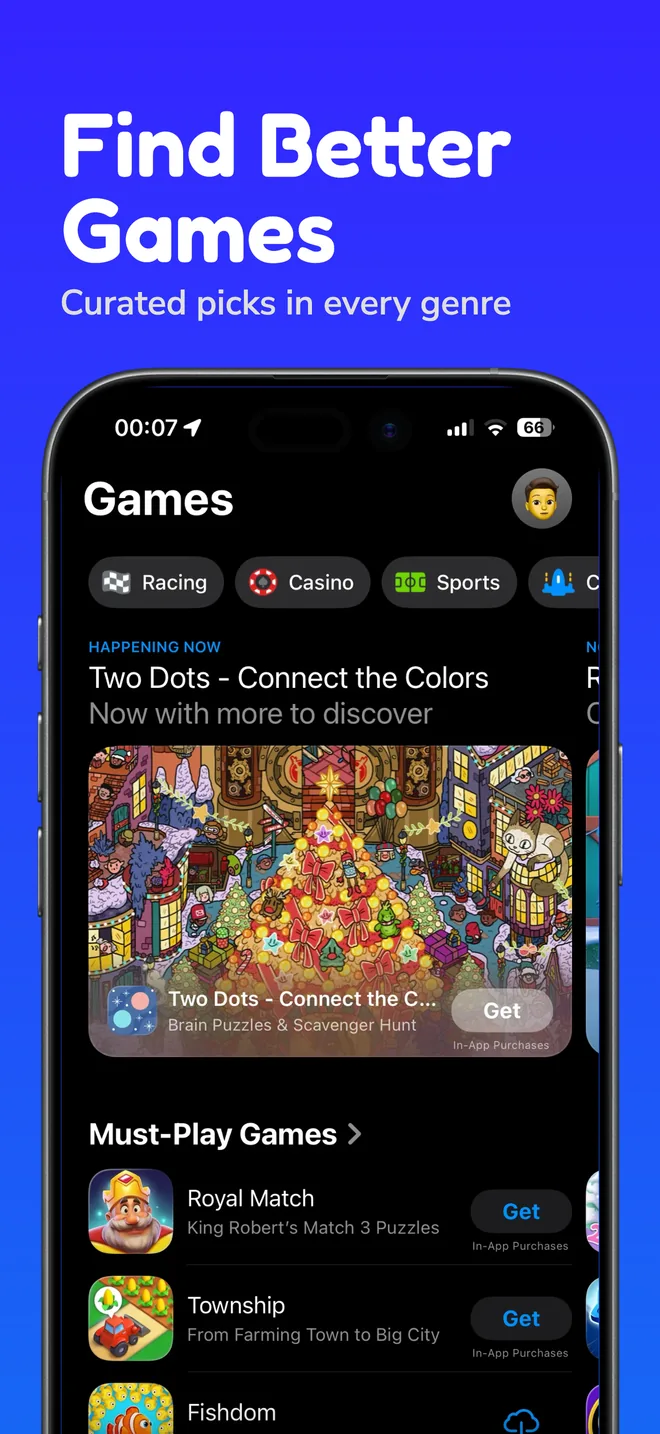
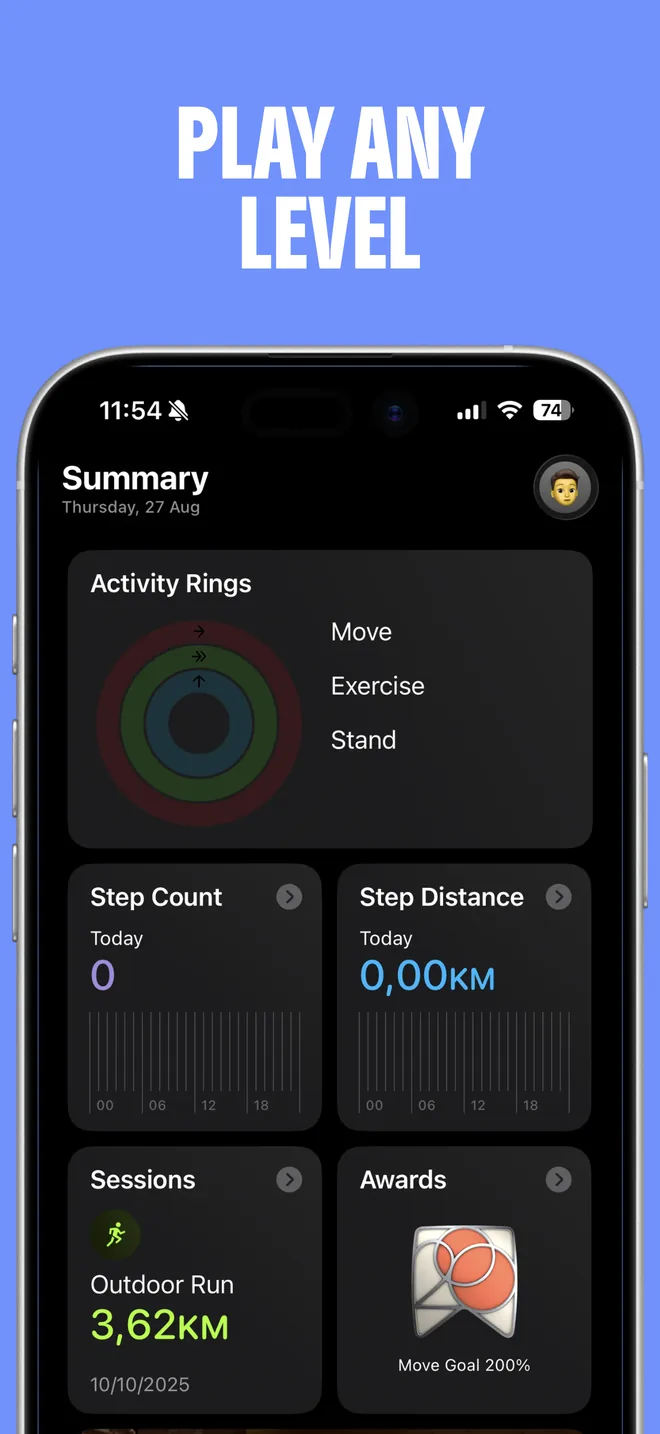
Template gallery
Each template is a connected screenshot story. Use the structure as a starting point, then adapt the message and visual system to your app.
A vivid, playful system for consumer apps that need energy without losing clarity.
A composed editorial layout that gives visual products and thoughtful brands room to breathe.
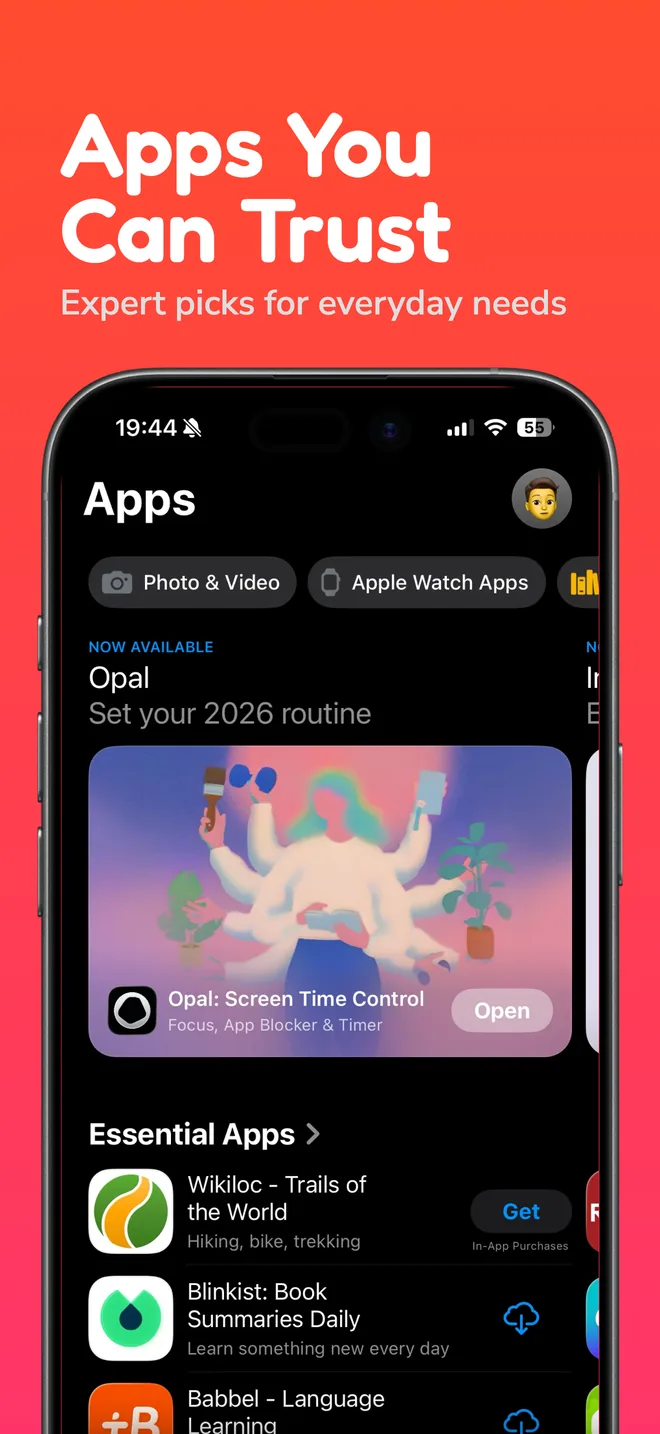
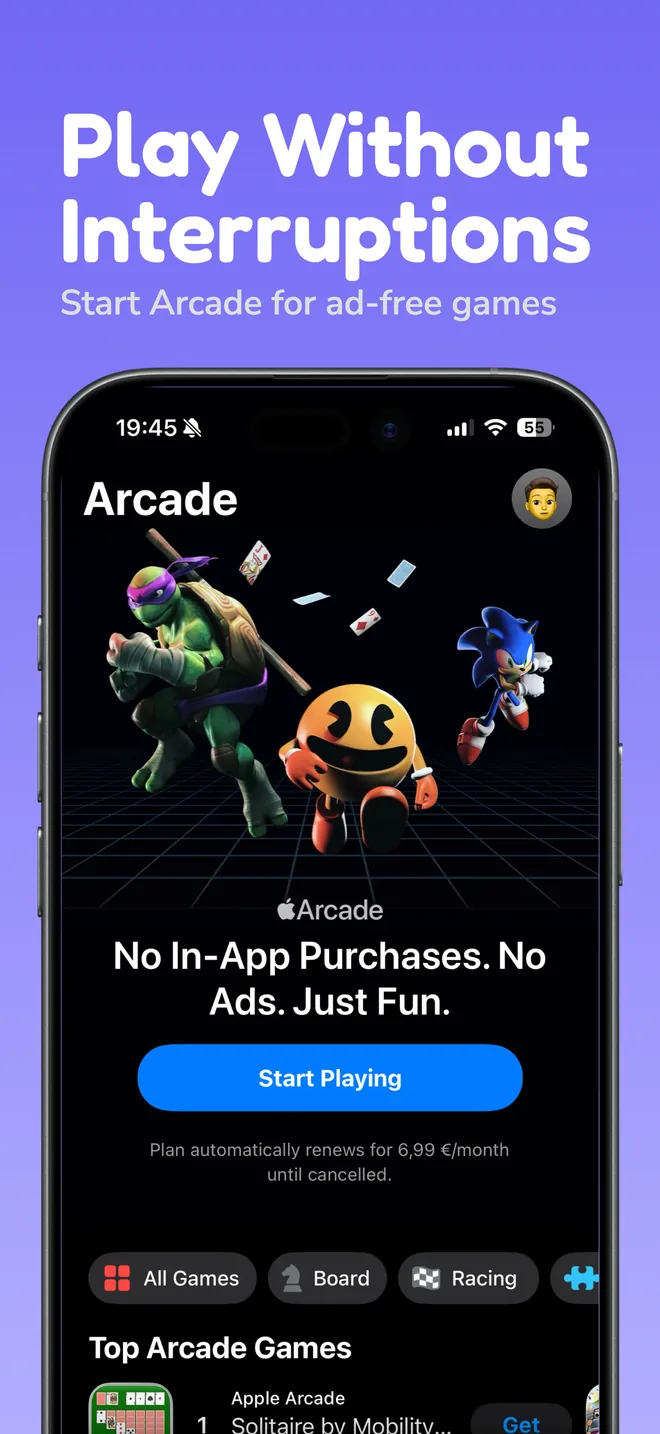
Large type and direct composition for apps with one strong promise to communicate fast.
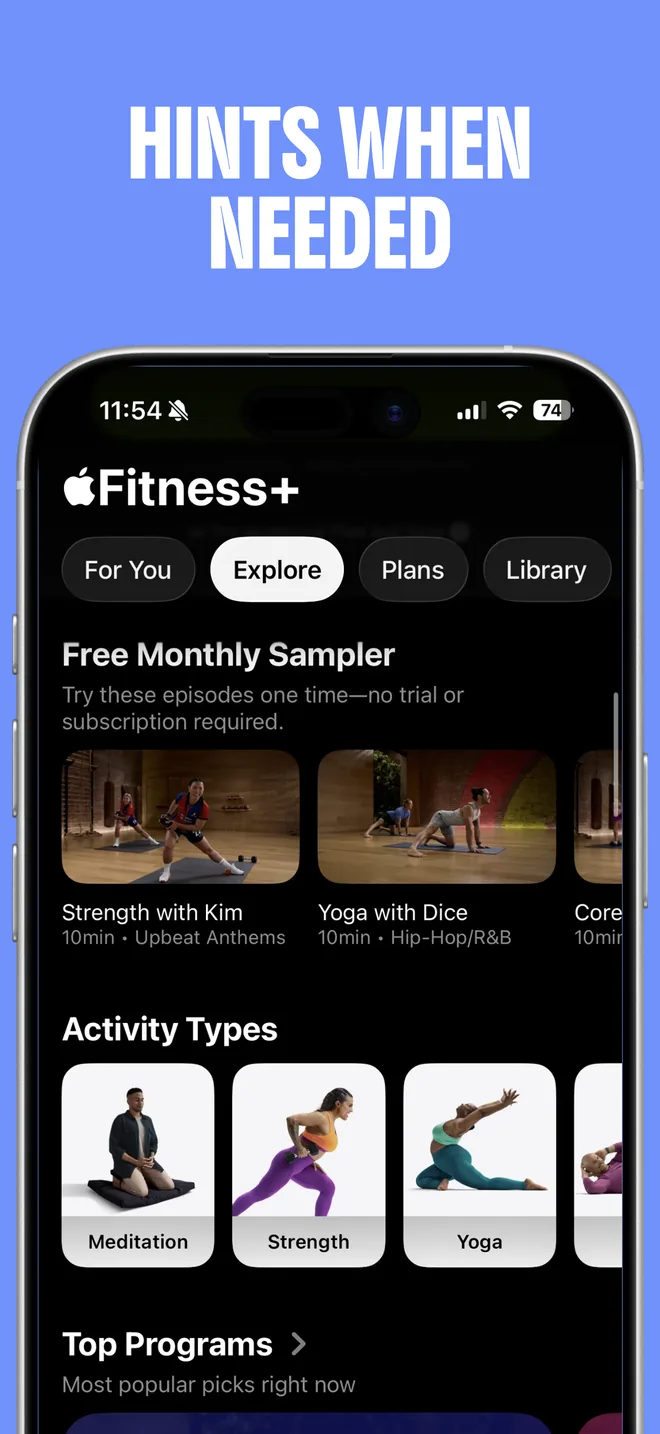
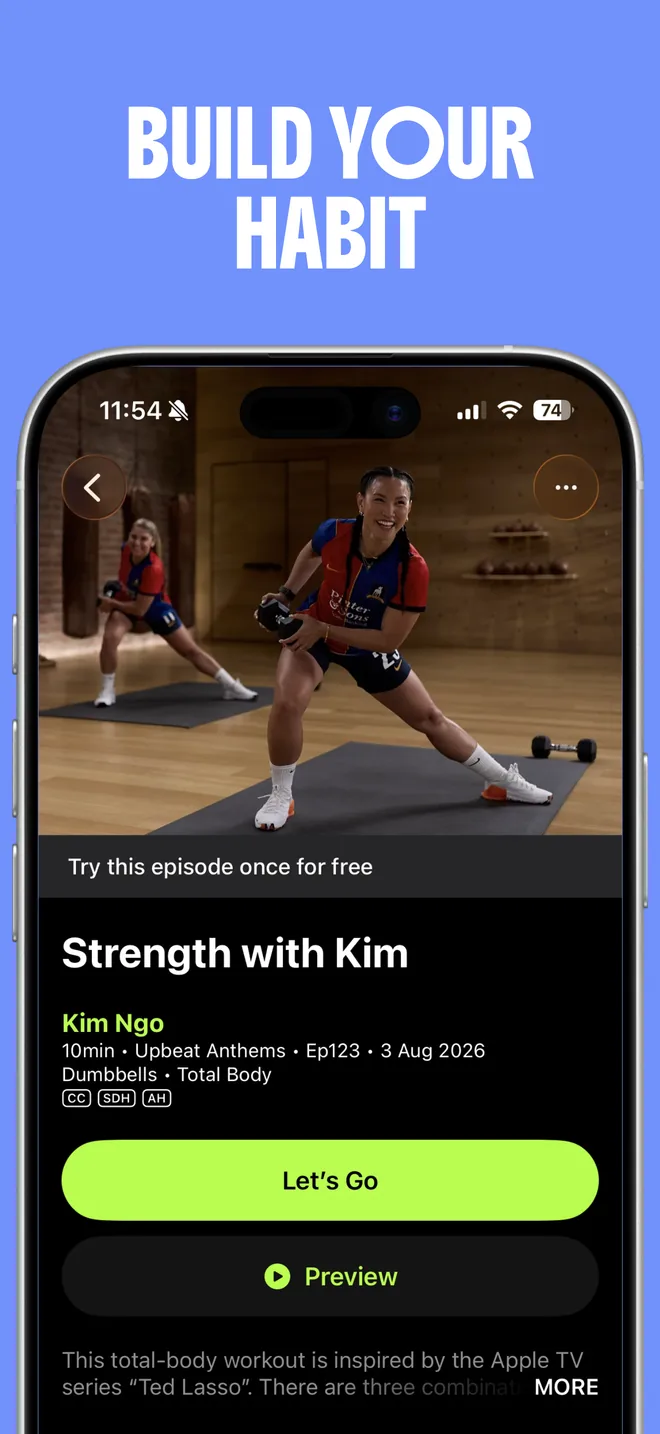
A warm, human template for wellness, habit, lifestyle, and personal progress apps.
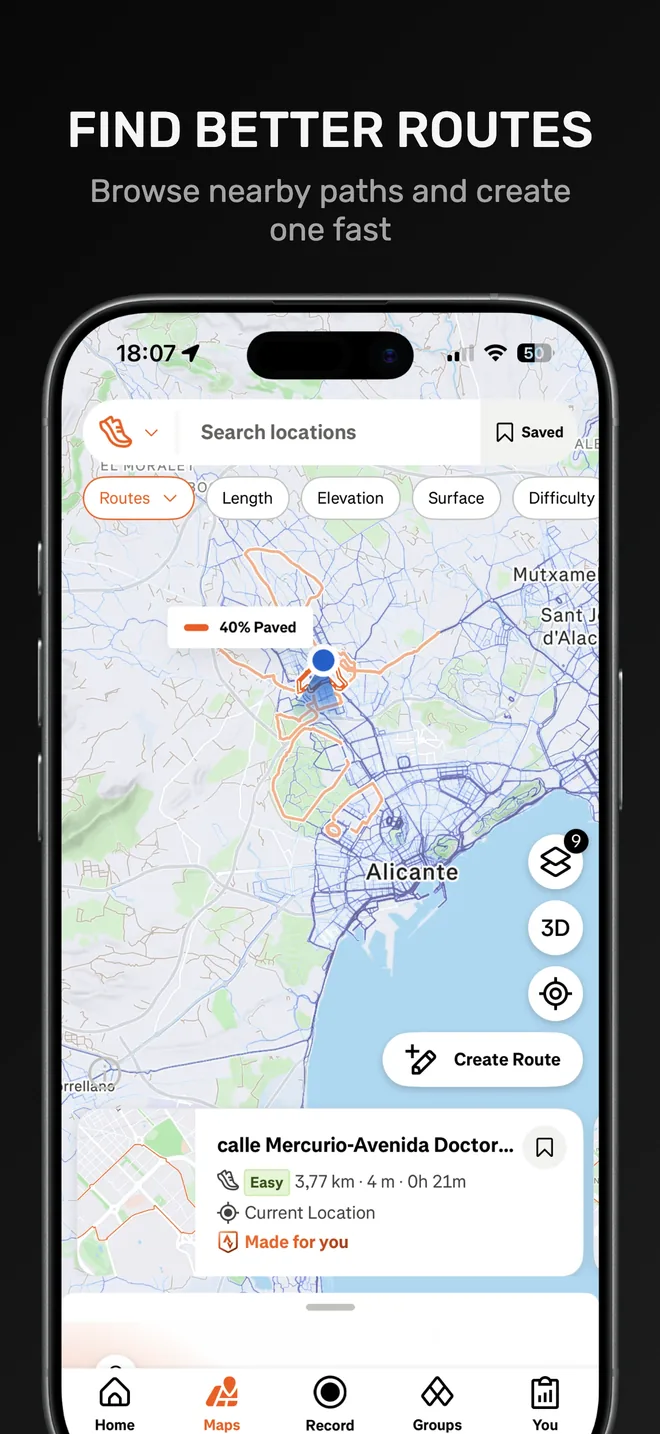
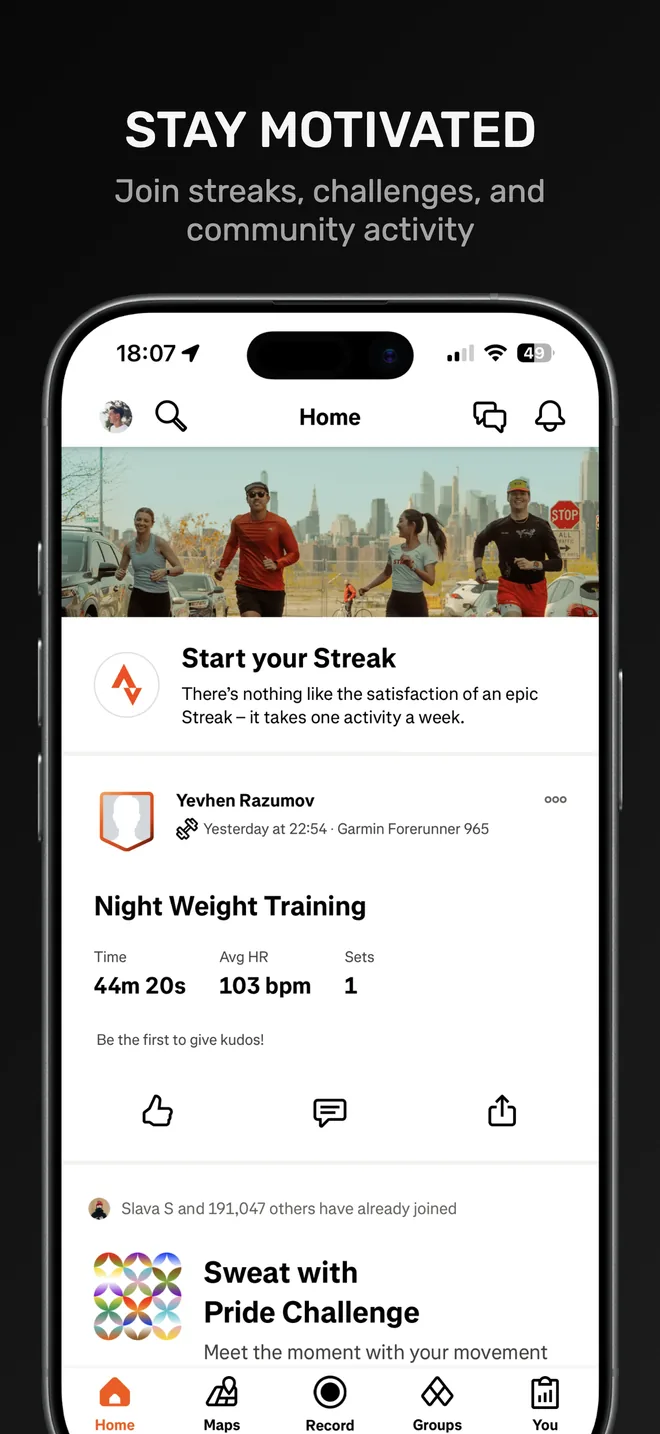
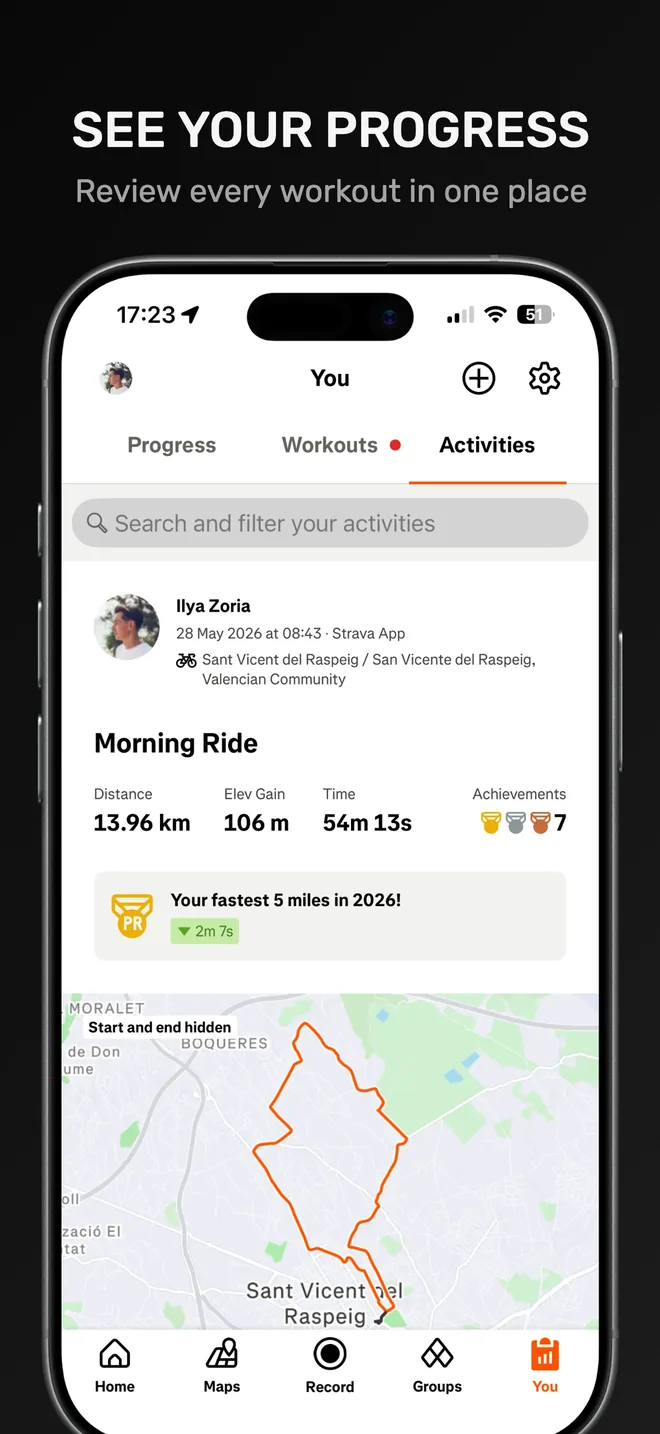
From template to final set
Templates help you begin with hierarchy and consistency already in place. Your product screens, value proposition, and visual identity complete the story.
Start with a style that fits your category, audience, and product personality.
Replace the example UI with real screens from your app and arrange the story.
Edit copy, colors, devices, backgrounds, and layout before exporting the set.
Build the complete set
Strong screenshots also need clear copy, a deliberate sequence, accurate export sizes, and natural localization for each market.
Plan the promise, sequence, copy, and visual hierarchy for a stronger App Store story.
Read the guide PrepareCheck current iPhone dimensions, formats, and export requirements before you upload.
Read the guide LocalizeAdapt the message and visible product screens for every market without rebuilding the design.
Explore localizationChoose a template, add your product screens, and customize the complete set in Lappka.
Create your screenshot set