
01
Add your markets
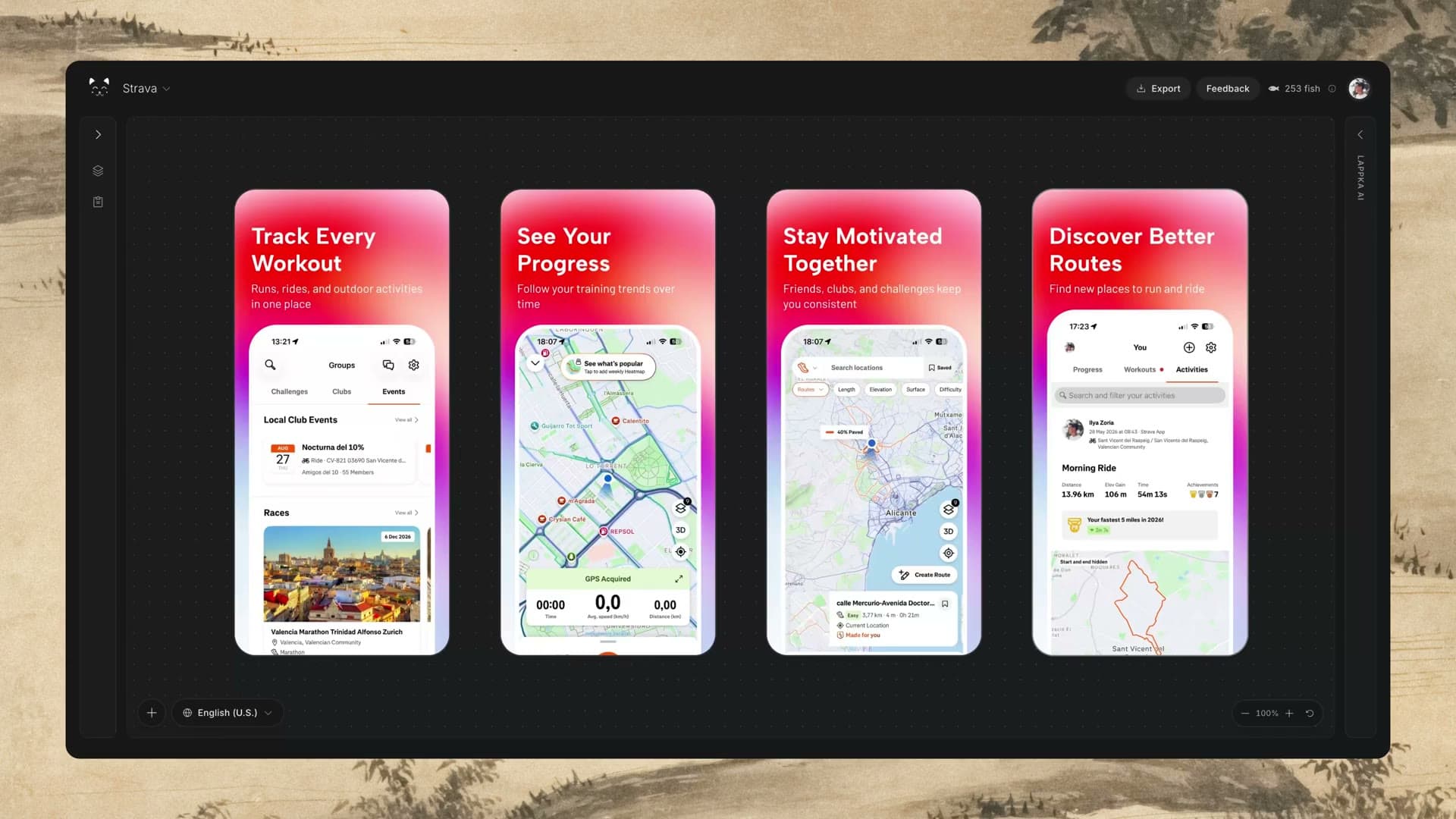
Choose the App Store locales you need. English (U.S.) stays your source, so every version begins from the same approved message.
App Store screenshot localization
Translate your App Store screenshot copy with AI, adapt product screens for each locale, and export every language without rebuilding the design.
A simpler workflow
Keep the source, translations, localized product screens, and exports inside the same project.
01
Choose the App Store locales you need. English (U.S.) stays your source, so every version begins from the same approved message.
02
Lappka AI translates the complete screenshot set. Review each language, improve the phrasing, and adjust copy without changing the source.
03
Switch between locales, replace language-specific product screens, then export the languages you need in organized locale folders.
Review in context
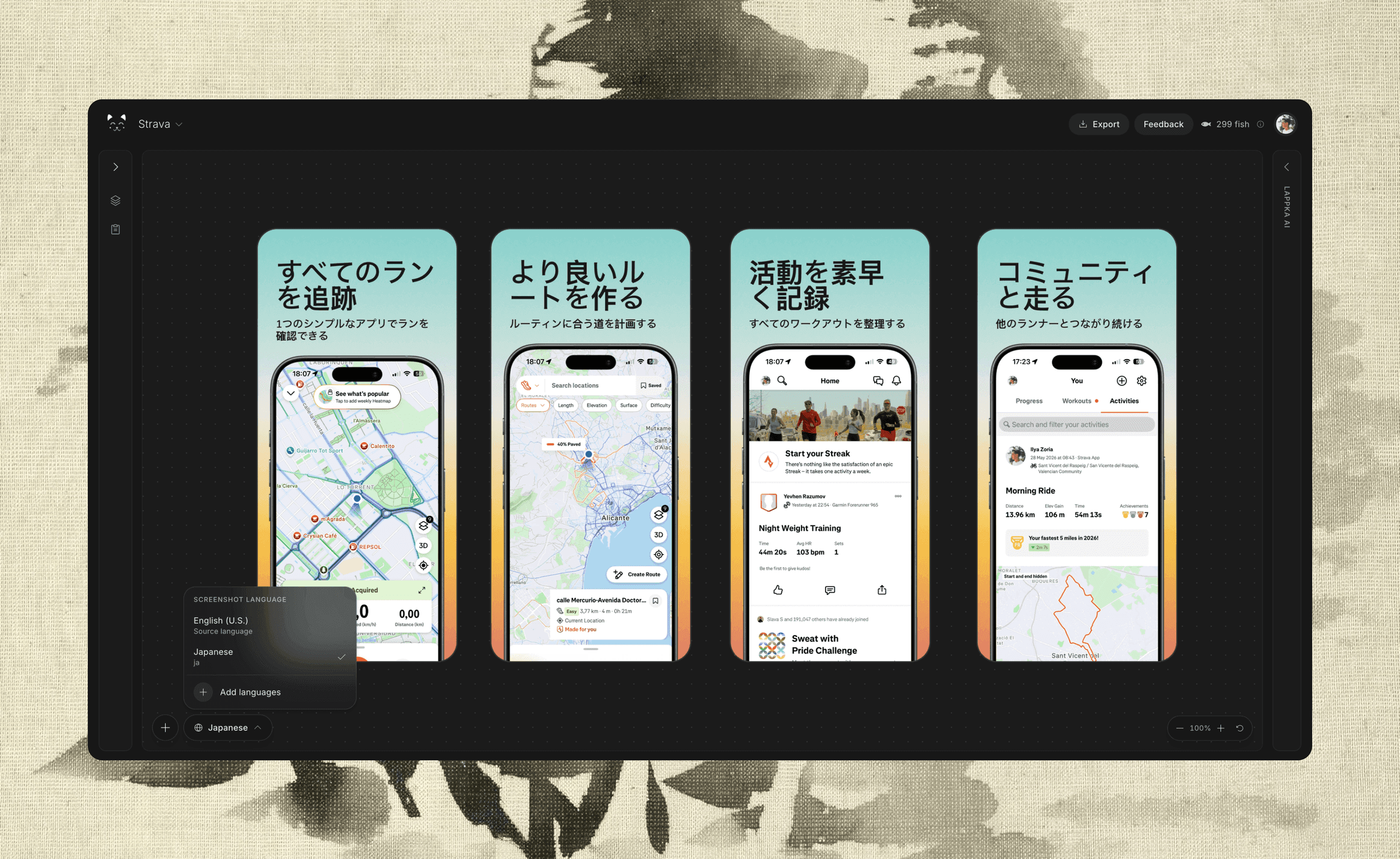
Switch between locales on the canvas, compare the complete screenshot sequence, and adjust copy before it reaches App Store Connect. Longer headlines, different scripts, and right-to-left text deserve a real visual review.
Built for iteration
Your original screenshot story remains intact while each locale stores its own headline, subtitle, label, and product screen.
Ask Lappka AI for natural alternatives instead of settling for literal translation. Every claim stays grounded in your English source copy.
When source copy changes, Lappka marks the affected localized screenshots so you know which translations need another review.
Move between languages inside the same project and inspect how longer or shorter copy changes the visual rhythm of the story.
Replace an app screen for a specific locale when the interface itself has been translated, while preserving the overall composition.
Select one or several locales and download store-ready screenshot sets grouped into clearly named folders.
App Store locales
Lappka supports Apple App Store locales across major Latin, Asian, Cyrillic, and right-to-left scripts.
Plan the promise, sequence, copy, and visual hierarchy for a stronger App Store story.
Read the guide PrepareCheck current iPhone dimensions, formats, and export requirements before you upload.
Read the guide ExploreStart with an editable design that can carry one visual system across the complete story.
View templatesKeep your design, adapt every message, and prepare App Store screenshot sets for the languages your customers use.
Start localizing